

If you’re looking for a serious and practical WordPress course that goes beyond drag-and-drop page builders, Become a WordPress Developer: Unlocking Power With Code on Udemy is one of the best options available.
👉 Course link:
https://www.udemy.com/course/become-a-wordpress-developer-php-javascript/?couponCode=NVD20PMUS
Why I Chose WordPress Again
More than ten years ago, when I first started building websites, I taught myself ASP, HTML, and SQL, and even created a few simple websites and bulletin board systems (BBS). However, after entering the workforce, I stopped working on websites for many years.
Recently, when I decided to build my own website again, I explored the current web development landscape and was honestly surprised. Compared to ten years ago, building a website today is much easier, mainly thanks to modern CMS platforms.
Among them, WordPress stands out the most. According to widely cited statistics, over 70% of websites worldwide are built using WordPress. After seeing its flexibility, ecosystem, and long-term potential, I decided to use WordPress as the foundation for my website.
Finding the Right WordPress Course on Udemy
To learn WordPress properly, I searched for courses on Udemy and compared several popular options. Eventually, I chose:
Become a WordPress Developer: Unlocking Power With Code
What sets this course apart is the instructor’s teaching philosophy. Instead of relying on visual page builders and simple drag-and-drop tools, the course focuses on core web development skills and explains how WordPress actually works under the hood.
What This Course Teaches (And Why It Matters)
This course gradually introduces and explains:
HTML
CSS
JavaScript
PHP
MySQL
WordPress core concepts and theme development
The instructor starts from the basics and moves step by step toward more advanced topics. If you already have some background in HTML, CSS, JavaScript, PHP, or MySQL, you will progress faster. However, no prior experience is required—everything is explained clearly from the ground up.
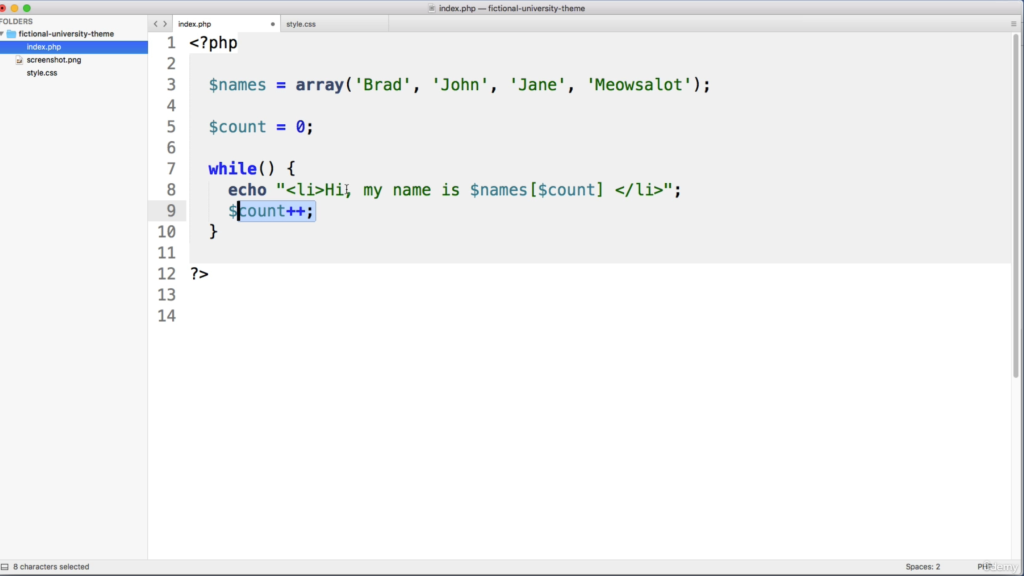
By the end of the course, you won’t just know how to “set up” a WordPress site. You’ll be able to:
Customize themes at a deeper level
Understand WordPress structure and logic
Perform secondary development instead of relying only on plugins
In short, the websites you build after this course will be professional, flexible, and scalable, not just basic template-based sites.
Course Length: Long, But Worth It
The total course length is 46 hours, which may sound intimidating at first. However, the lessons are well-structured and tightly connected. The instructor explains complex concepts using simple, clear language, making even difficult topics easier to understand.
Personally, I don’t consider myself a fast learner, yet I was able to follow along and understand the material. If I can do it, you can too.
Final Thoughts: Who Is This Course For?
This course is ideal if you:
Want to truly understand WordPress, not just use page builders
Aim to build custom, high-quality websites
Plan to become a professional WordPress developer or freelancer
Want long-term technical skills instead of quick shortcuts
After completing this course, you won’t just be able to build simple websites—you’ll be equipped with the skills to develop WordPress sites professionally.
Let’s learn together and keep improving 🚀